Sometimes you want the generated output to be valid JSON with predefined fields. You can use GrammarConfig to manually specify a JSON schema, or use a struct annotated with @Generable from Apple’s FoundationModels framework.
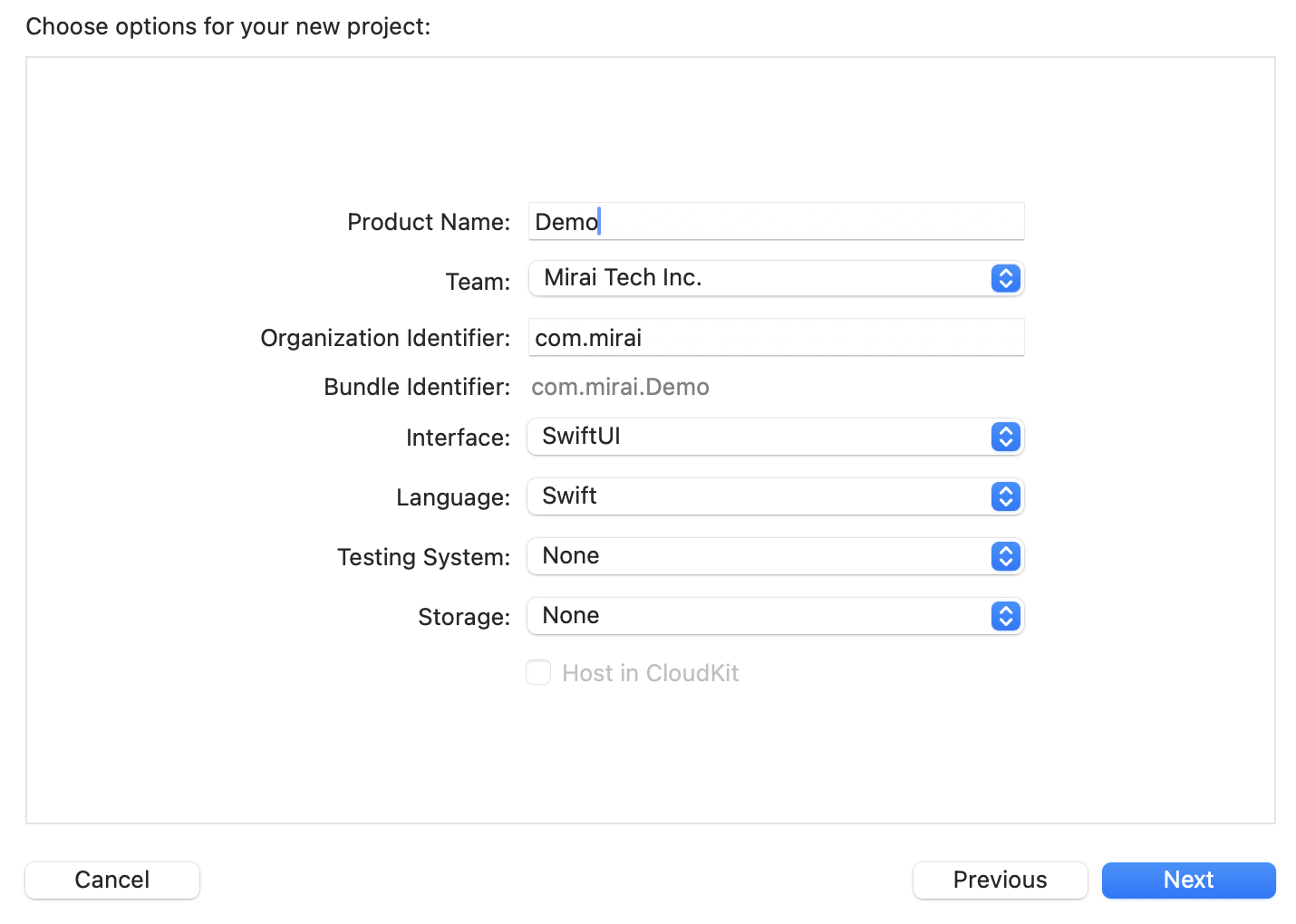
Create a new SwiftUI project
Add the SDK
Add this package through SPM:https://github.com/trymirai/uzu-swift.git
Paste the snippet
Go to ContentView.swift and add this snippet:Don’t forget to add your API key.
import FoundationModels
import Uzu

@Generable()
struct Country: Codable {
    let name: String
    let capital: String
}

public func runStructuredOutput() async throws {
    let engine = try await UzuEngine.create(apiKey: "API_KEY")

    let model = try await engine.chatModel(repoId: "Qwen/Qwen3-0.6B")
    try await engine.downloadChatModel(model) { update in
        print("Progress: \(update.progress)")
    }

    let input: Input = .text(
        text:
            "Give me a JSON object containing a list of 3 countries, where each country has name and capital fields"
    )

    let session = try engine.chatSession(model)
    let runConfig = RunConfig()
        .tokensLimit(1024)
        .enableThinking(false)
        .grammarConfig(GrammarConfig.fromType([Country].self))
    let output = try session.run(
        input: input,
        config: runConfig
    ) { _ in
        return true
    }

    guard let countries: [Country] = output.text.parsed.structuredResponse() else {
        return
    }
    print(countries)
}
Add the snippet call
var body: some View {
    VStack {
        Text("On-device AI")
    }
    .onAppear() {
        Task {
            try await runStructuredOutput()
        }
    }
}
Now that we’ve tried the simplest snippet, let’s take a look at the step-by-step integration guide.